
Sculptor
Describe it. Watch it build.
3D modeling for people who have never opened a 3D app. Say what you want, watch it build itself step by step, then shape it with big, friendly tools and send it to your 3D printer.
Free on the App StoreAlso on Google Play
- Status
- Live on iPad and Google Play
- Version
- 1.0
- Category
- Utilities
- Works on
- iPad (iPadOS 18 or later); Android (Google Play)
Why you'll like it
Say it, watch it build
Describe a model out loud or type it. Speech is recognized on your device, and planning runs on your device by default.
A real modeler, no learning cliff
Shapes, gizmos, edit mode, modifiers and booleans, all sized in millimeters, with undo for everything.
Ready for your printer
Export STL, 3MF, OBJ or USDZ. The print check finds and fixes most problems in one tap.
From an idea to a printable model
Sculptor walks you from a description to a file your 3D printer can use.
-
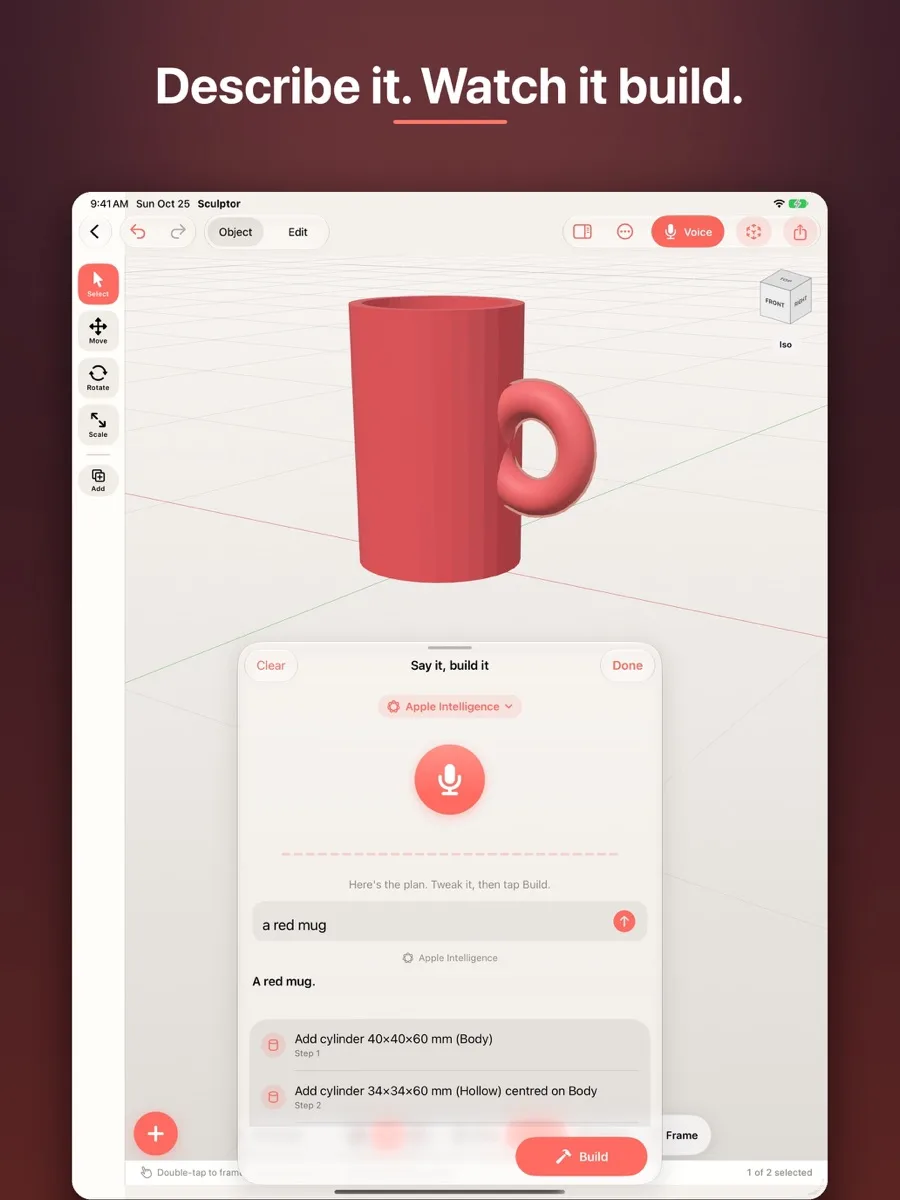
01Voice
Say what you want and review the plan
Describe a model out loud or type it, like a red mug. Sculptor shows each step it plans, with sizes in millimeters, so you can tweak it before you tap Build.
- Speech recognized on your device
- Step-by-step plan you can edit
- Sizes in millimeters
-
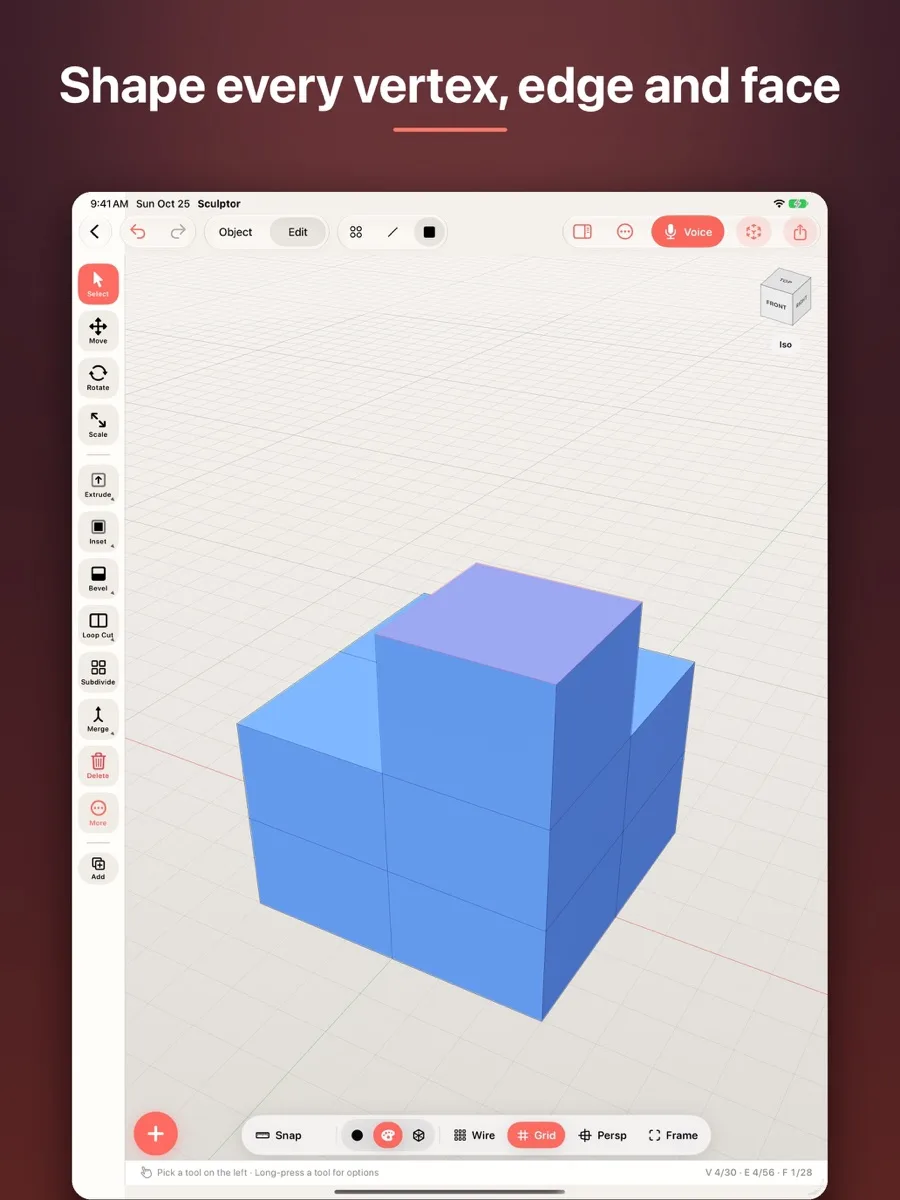
02Edit mode
Reshape any vertex, edge or face
Switch to Edit and work on the mesh directly. Extrude, inset, bevel, loop cut and more sit in a toolbar on the left, with undo for everything.
- Extrude, inset, bevel and loop cut
- Subdivide and merge
- Undo for every change
-
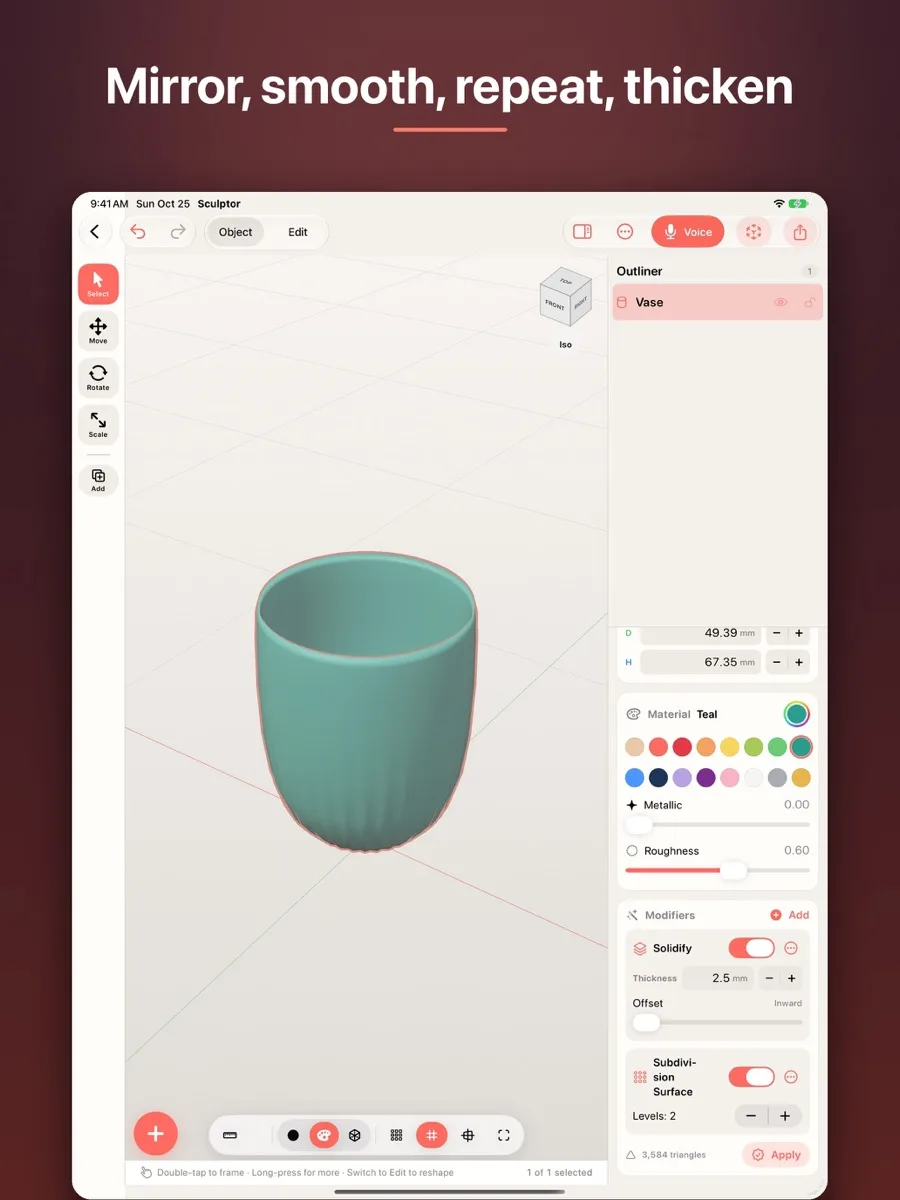
03Modifiers
Mirror, smooth, repeat and thicken in a few taps
Stack modifiers like Solidify and Subdivision Surface on a shape and adjust them with simple controls. Set the material color right next to them.
- Mirror, Subdivision Surface, Array, Solidify
- Booleans for combining shapes
- Material colors at a tap
-
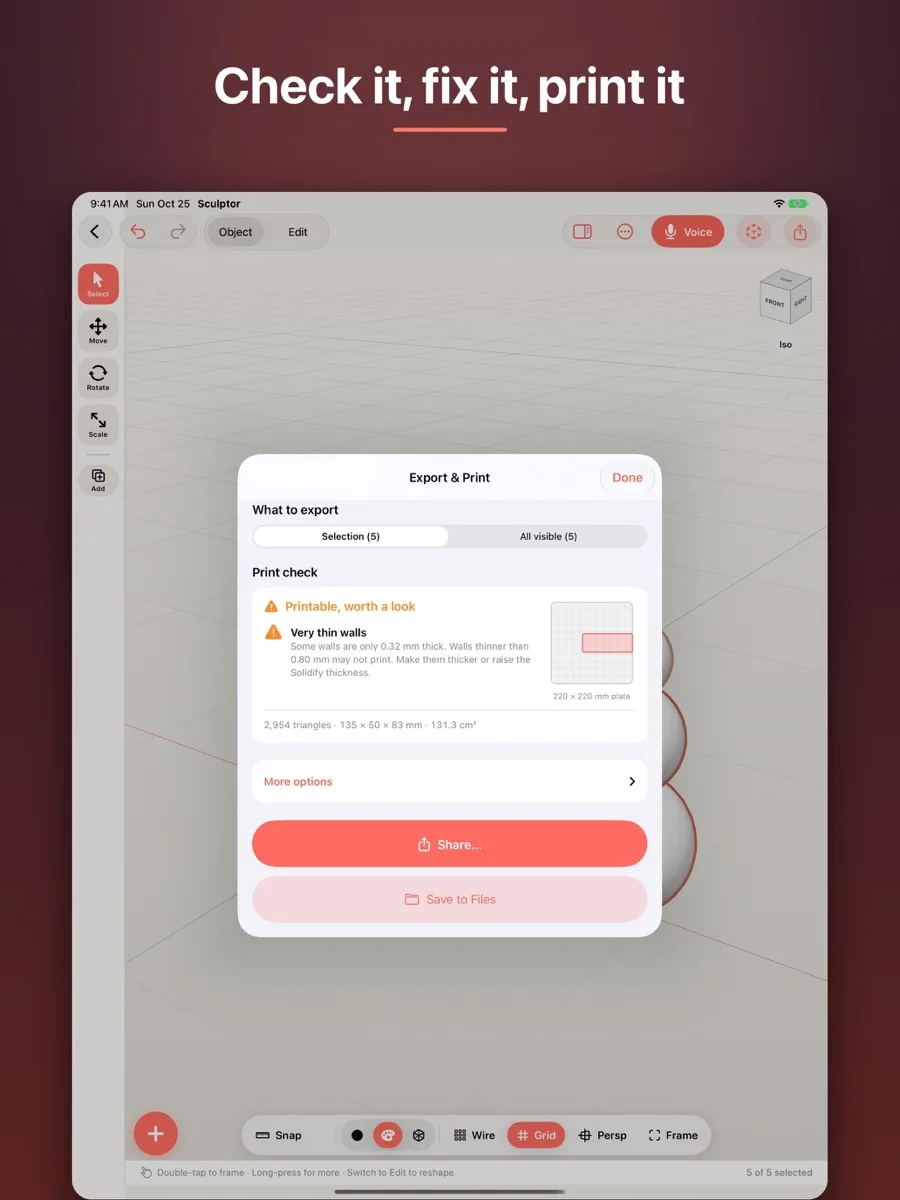
04Print check
Catch printing problems before you print
The print check looks for holes, thin walls and models that will not fit your build plate, then explains what to change. Then export STL, 3MF, OBJ or USDZ.
- Flags walls that are too thin
- Shows your model on the build plate
- Export STL, 3MF, OBJ or USDZ
-
05Shapes
Start from simple, friendly shapes
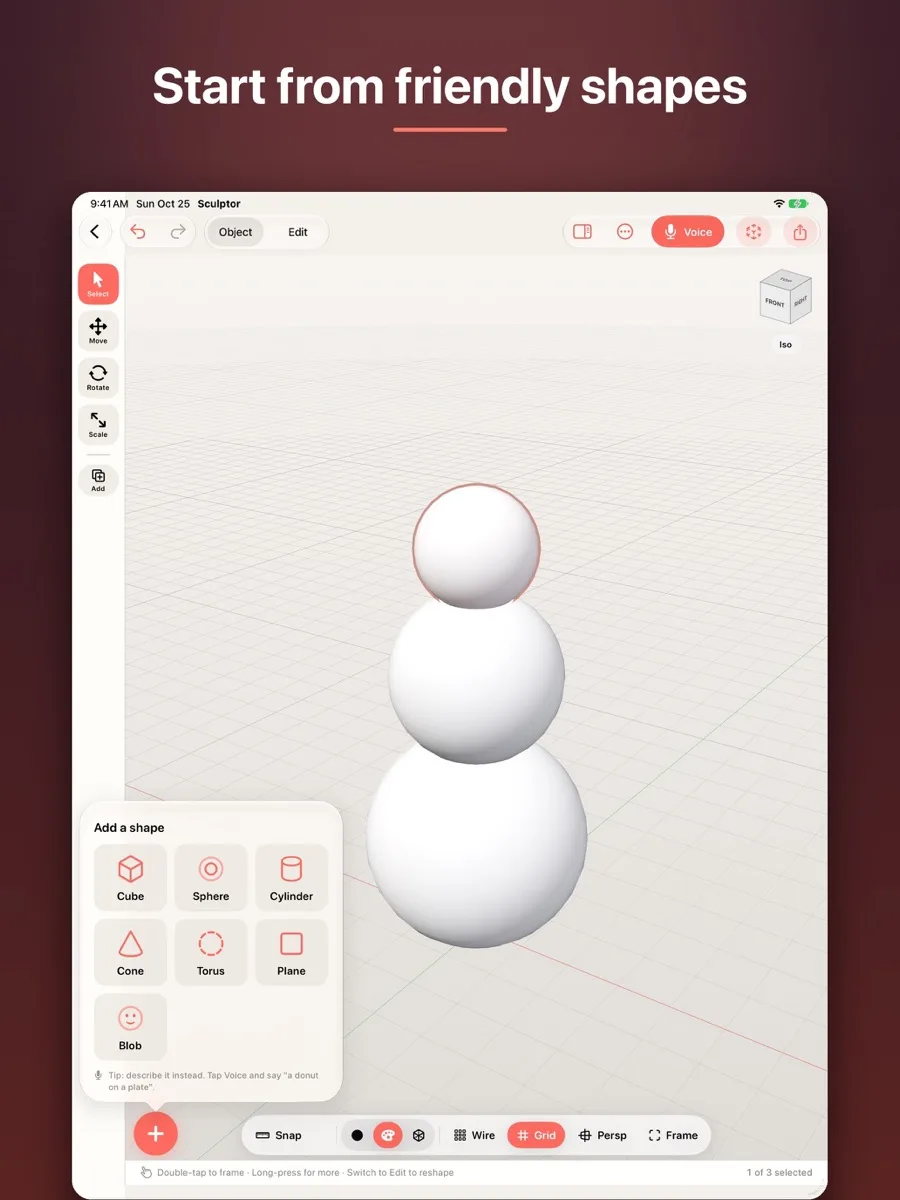
Add a cube, sphere, cylinder, cone, torus, plane or Blob, the mascot, then move, rotate and scale them into something new. Or tap Voice and just describe it.
- Seven starter shapes, including Blob
- Move, rotate and scale tools
-
06Privacy
No account, and your files stay yours
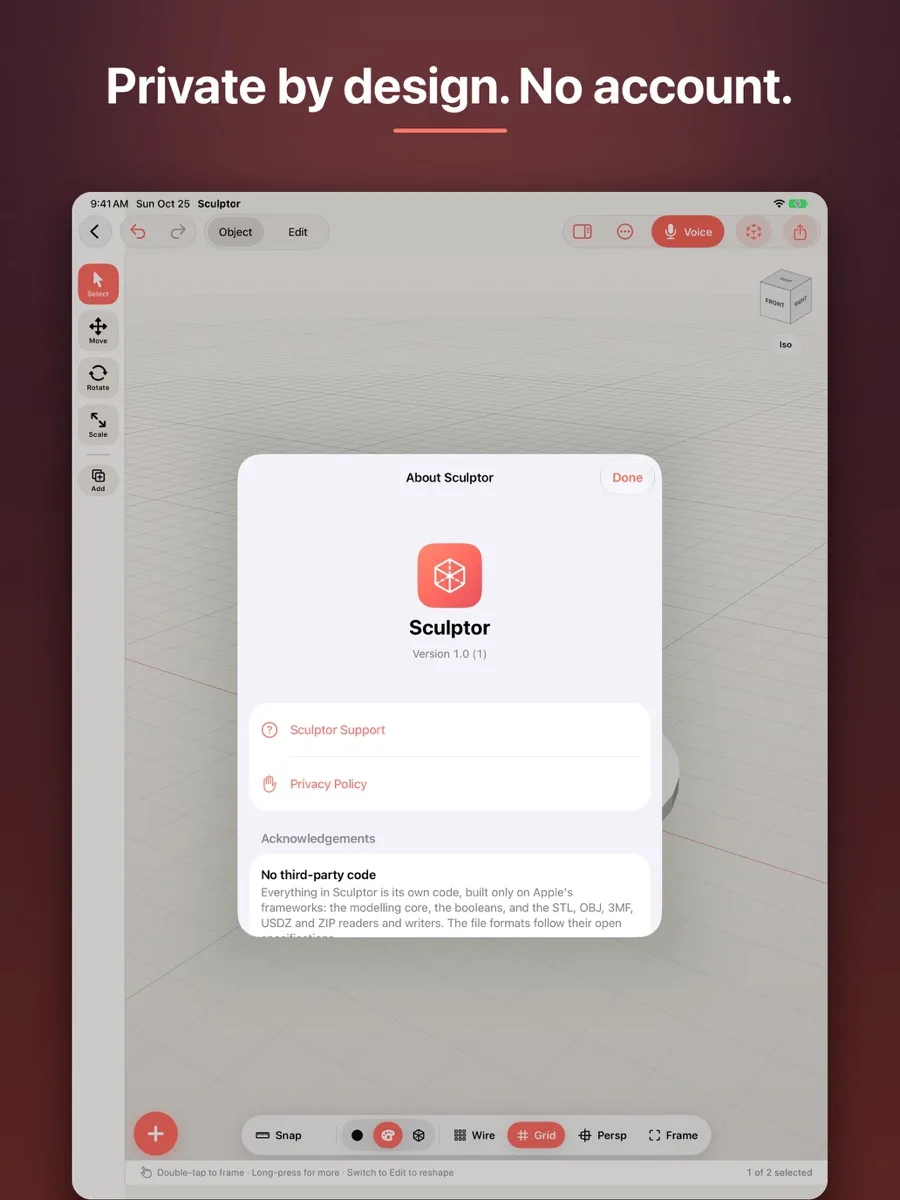
There is no sign-up, no ads, no analytics and no tracking. Your projects are ordinary files in Files and iCloud Drive, and planning runs on your device by default.
- No account needed
- Voice planning works offline
- No third-party code
How it works
Describe your model
Tap Voice and say what you want, or type it. Review the plan, then tap Build and watch it take shape.
Shape it your way
Adjust it with gizmos, edit mode, modifiers and booleans, all in millimeters, with undo for everything.
Check it and print
Run the print check, fix what it finds, then export STL, 3MF, OBJ or USDZ for your slicer.
Get Sculptor
Make your first 3D printable model today, just by describing it, with no account needed.
Free on the App Store.
The details
What's inside, where it runs, and what happens to your data.
Features
- Voice to Model: describe it, review the plan, watch it build
- Cube, sphere, cylinder, cone, torus, plane and Blob, the mascot
- Edit vertices, edges and faces: extrude, inset, bevel, loop cut and more
- Mirror, Subdivision Surface, Array and Solidify modifiers, plus booleans
- Print check that finds holes, thin walls and models that won't fit your plate
- Export STL, 3MF with colors, OBJ with materials, or USDZ; import STL and OBJ
- Place your model in your room with AR
Works on
- iPad
- Android
- Windows
- Linux
- Web
Sculptor for Android
Available now on Google Play, for Android phones, tablets and foldables. It opens the same .sculpt files as the iPad app, plans on your device by default, and speaks the same 15 languages.
Sculptor on the web
Open Sculptor in your browser. It works best in a recent Chrome or Edge on a computer. It opens and saves the same .sculpt files, exports for 3D printing, and keeps working offline after your first visit.
Sculptor for Windows
Download the Windows installer (64-bit, 5.3 MB, version 0.1.0). It is not signed yet, so Windows may show "Windows protected your PC". Choose More info, then Run anyway. It installs for your account only and needs no admin rights.
Sculptor for Linux
Download the AppImage (64-bit, 83.6 MB, version 0.1.0). It runs on most distributions from 2022 on: make it executable (chmod +x Sculptor-x86_64.AppImage) and open it. On Ubuntu, Debian or Mint you can use the .deb package (5.6 MB) instead, which adds Sculptor to your app menu. On Ubuntu 24.04 and later, AppImages need libfuse2t64 (sudo apt install libfuse2t64).
Privacy
No account, no ads, no analytics, no tracking. Your projects are ordinary files in Files and iCloud Drive. Speech is recognized on your device only. If you choose to connect a cloud AI service with your own API key, Sculptor asks before it sends anything.
Read the Sculptor privacy policy (iPad). Sculptor for Android is covered by the AJA Digital privacy policy.
Questions
Something else? See Sculptor support or ask Daniel directly. Every note gets read.
Can I download Sculptor yet?
On Android, yes: Sculptor is on Google Play. On iPad, yes too: Sculptor is on the App Store. On a computer, you can use it in your browser or download it for Windows or Linux.
Do I need an account or an internet connection?
No. There's no account, and voice planning works offline on your device.
Which 3D printers does it work with?
Any printer whose slicer opens STL, 3MF or OBJ files. Sizes are in millimeters, and the print check warns you if a model won't fit your build plate.



Sculptor
On the App Store for iPad and on Google Play for Android.
Get a note when Sculptor launches
One short email when it's on the App Store. Nothing else.