
Video Editor
Trim, layer, add music, export.
Put your videos, photos and music together on your phone: trim and join clips, add titles and transitions, stack layers and audio tracks, and export in the size and format you need. On Google Play for Android.
Free on Google Play
- Status
- Live on Google Play
- Version
- 1.0
- Category
- Utilities
- Works on
- Android
Why you'll like it
Simple to start, room to grow
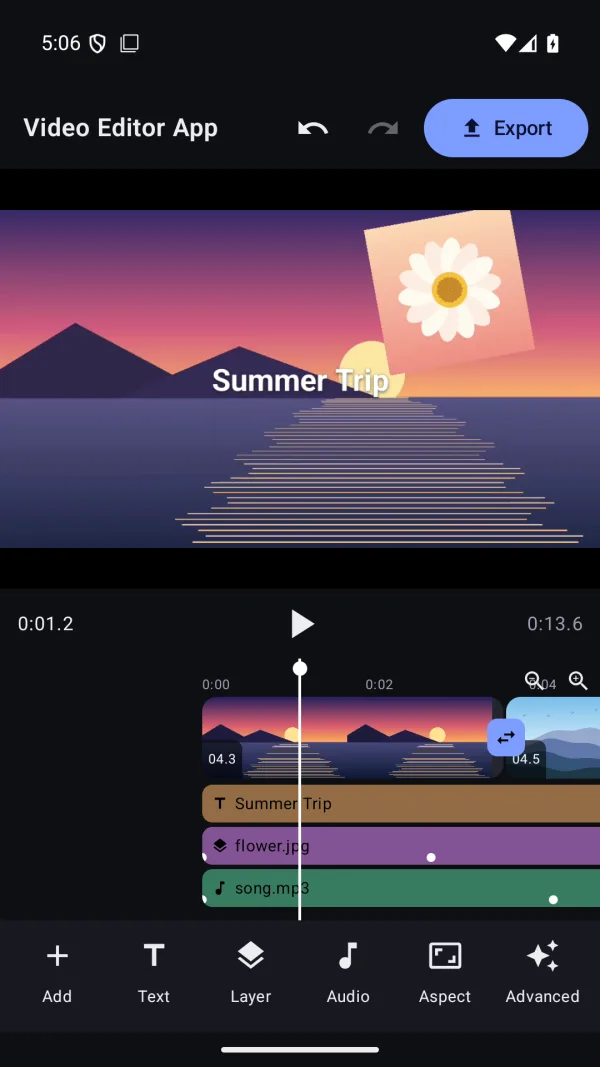
Trim and join clips on a clear timeline, then add transitions, titles, layers and audio tracks when you want them. Undo and redo work for every edit.
Layers, music and motion
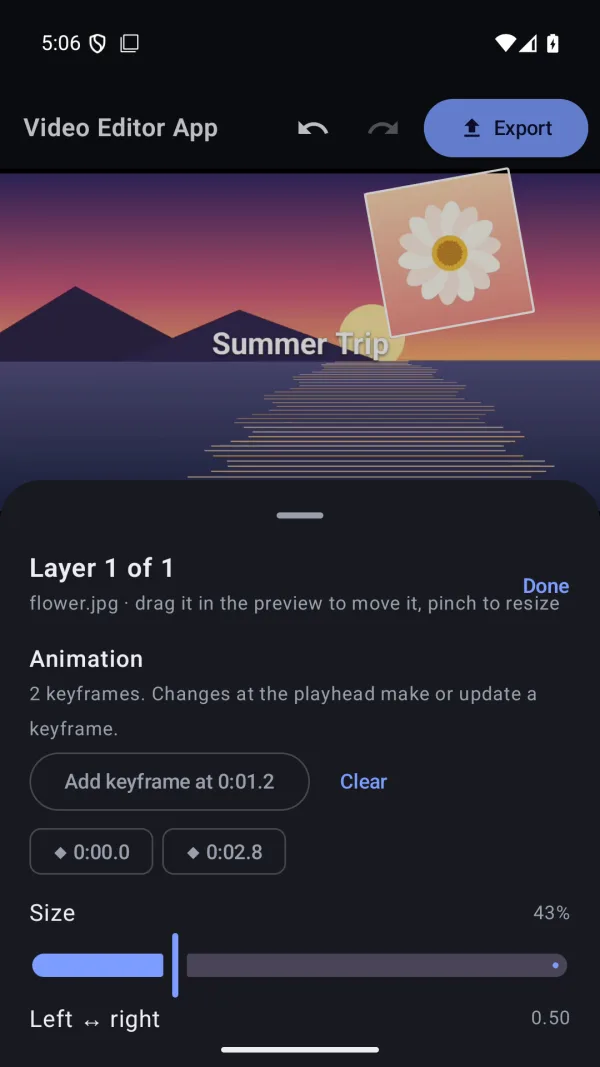
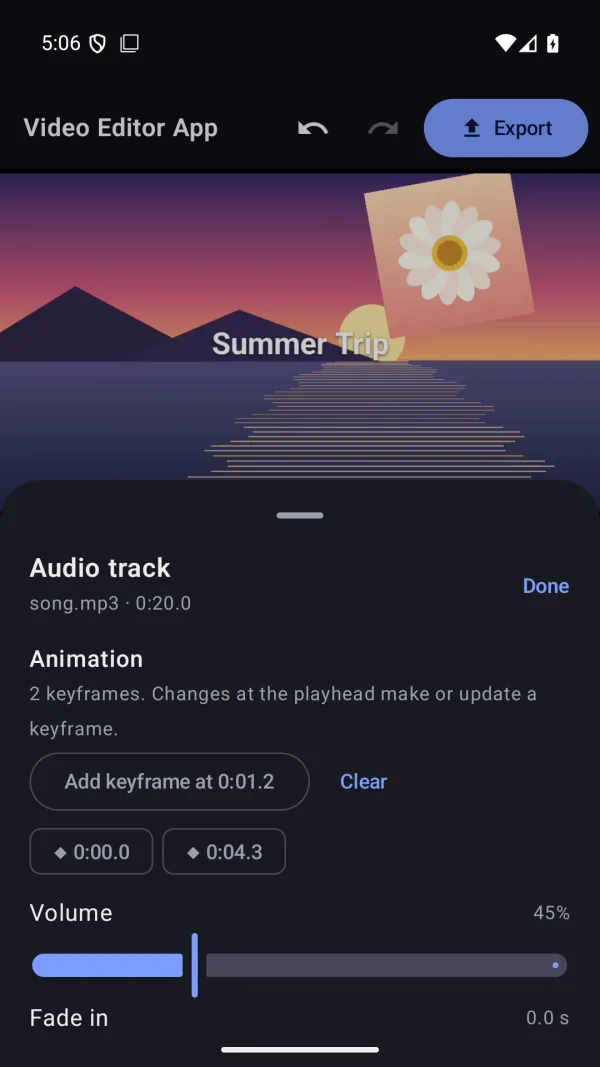
Stack videos and photos picture-in-picture, play music, voice-over and sound effects together, and animate it all with keyframes.
Private by design
Everything happens on your device. Your videos are never uploaded, and there's no account or sign-in.
The details
What's inside, where it runs, and what happens to your data.
Features
- Trim, split, reorder and join clips on a clear timeline, with undo for every edit
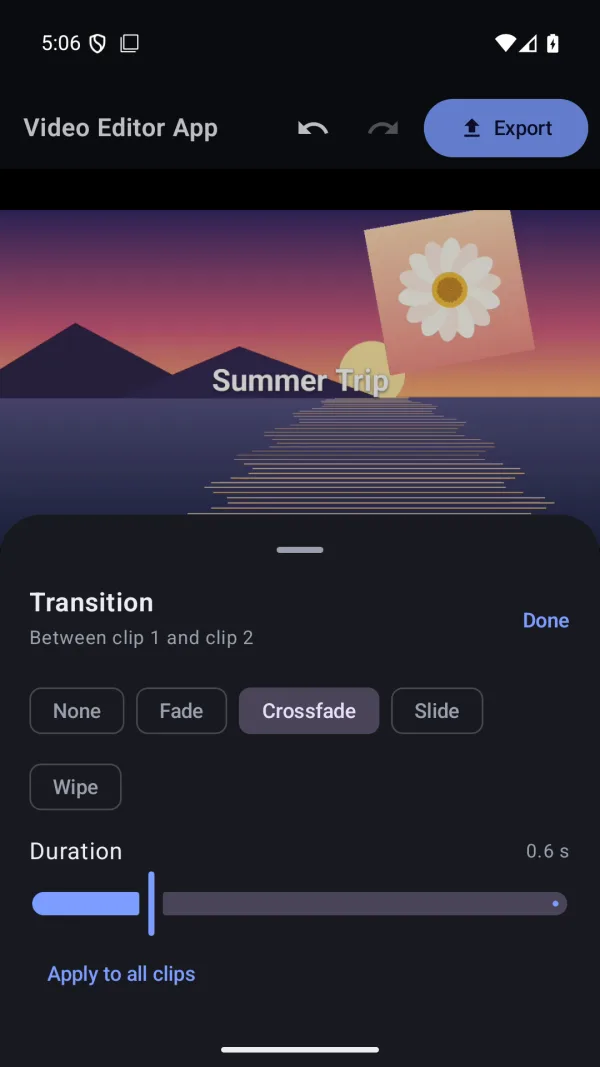
- Fade, crossfade, slide and wipe transitions, plus titles and captions
- Stack video and photo layers, and any number of audio tracks for music, voice-over and sound effects
- Keyframe animation for a layer's position, size, rotation, opacity and sound
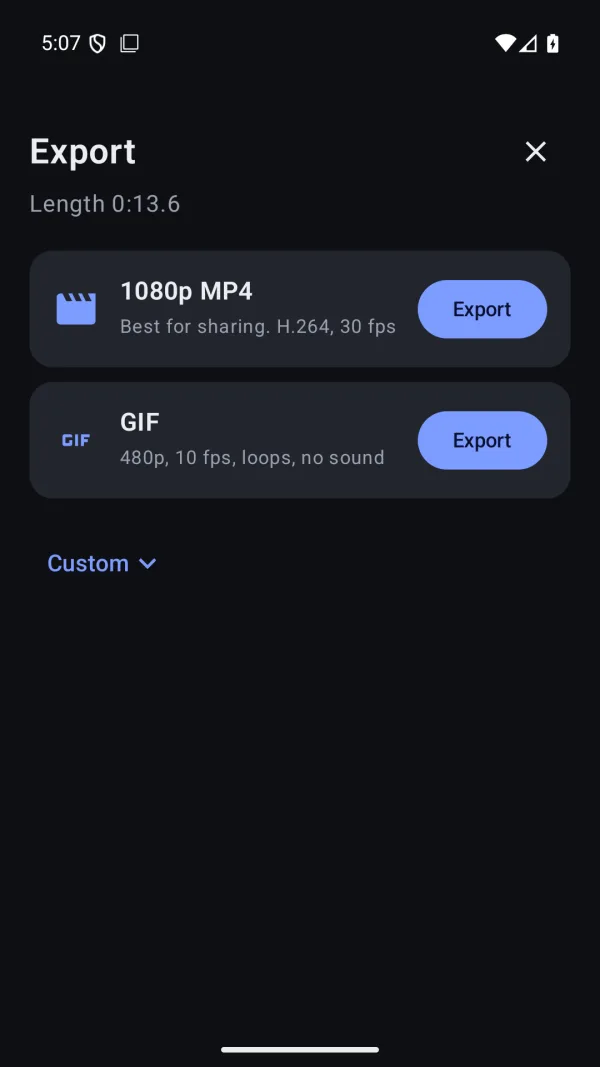
- Export MP4, GIF, WebM, MOV or audio, from 480p to 4K, with no watermark
Works on
- Android
For Android phones. Some export formats, such as H.265 or VP9, depend on what your phone's hardware supports; formats your phone can't make are grayed out.
Privacy
Everything happens on your device. No account or sign-in, and your videos are never uploaded.
Questions
Something else? Ask Daniel directly. Every note gets read.
Can I download Video Editor yet?
Yes. Video Editor is on Google Play for Android phones, free to download.
Which formats can I export?
One tap gives you a 1080p MP4 or a GIF that loops. Custom export adds MP4 (H.264 or H.265), WebM (VP9), MOV, GIF, M4A or Ogg audio, from 480p to 4K or any custom size, with your choice of frame rate and quality. There's no watermark.
Are my videos uploaded anywhere?
No. Everything happens on your device, and there's no account or sign-in. See the Video Editor privacy policy.



Video Editor
Free on Google Play for Android.